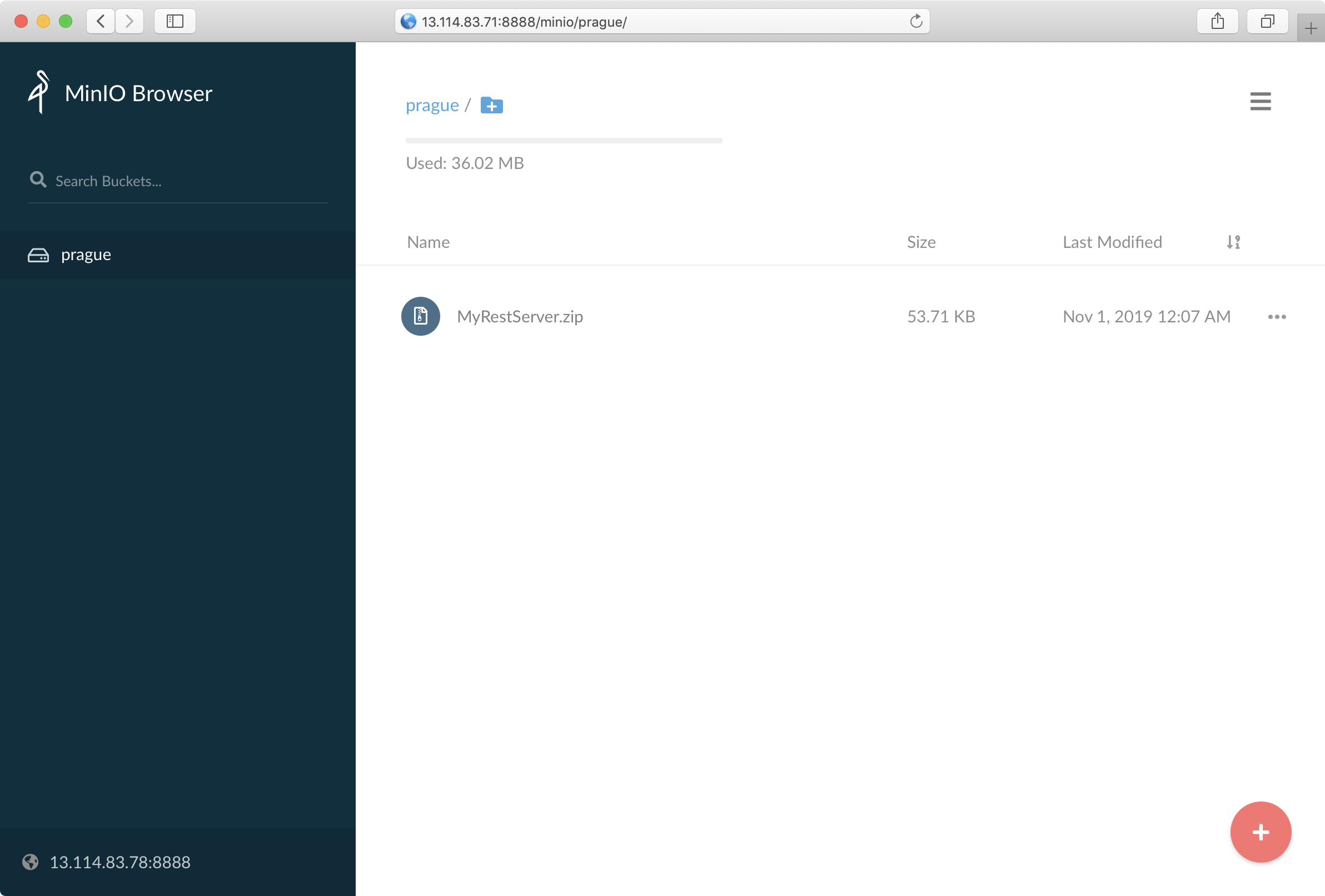
1. 개요
MiniO는 오픈 소스 오브젝트 스토리지 소프트웨어로 AWS S3 SDK와 호환되는 것이 특징이다. 따라서, 개발은 MiniO로 하다가 운영 시점에 S3를 구축하는 것이 가능해진다.
2. 설치
$ helm repo add bitnami https://charts.bitnami.com/bitnami
"bitnami" has been added to your repositories
$ helm install bitnami/minio
NAME:   wanton-frog
E1031 14:45:55.607330   30624 portforward.go:372] error copying from remote stream to local connection: readfrom tcp4 127.0.0.1:35545->127.0.0.1:47332: write tcp4 127.0.0.1:35545->127.0.0.1:47332: write: broken pipe
LAST DEPLOYED: Thu Oct 31 14:45:55 2019
NAMESPACE: default
STATUS: DEPLOYED

RESOURCES:
==> v1/Deployment
NAME               READY  UP-TO-DATE  AVAILABLE  AGE
wanton-frog-minio  0/1    1           0          0s

==> v1/PersistentVolumeClaim
NAME               STATUS   VOLUME  CAPACITY  ACCESS MODES  STORAGECLASS  AGE
wanton-frog-minio  Pending  gp2     0s        Filesystem

==> v1/Pod(related)
NAME                                READY  STATUS   RESTARTS  AGE
wanton-frog-minio-557dd5cfcf-5tqp5  0/1    Pending  0         0s

==> v1/Secret
NAME               TYPE    DATA  AGE
wanton-frog-minio  Opaque  2     0s

==> v1/Service
NAME               TYPE       CLUSTER-IP      EXTERNAL-IP  PORT(S)   AGE
wanton-frog-minio  ClusterIP  10.100.100.232         9000/TCP  0s


NOTES:
** Please be patient while the chart is being deployed **

MinIO can be accessed via port 9000 on the following DNS name from within your cluster:

   wanton-frog-minio.default.svc.cluster.local

To get your credentials run:

   export MINIO_ACCESS_KEY=$(kubectl get secret --namespace default wanton-frog-minio -o jsonpath="{.data.access-key}" | base64 --decode)
   export MINIO_SECRET_KEY=$(kubectl get secret --namespace default wanton-frog-minio -o jsonpath="{.data.secret-key}" | base64 --decode)

To connect to your MinIO server using a client:

- Run a MinIO Client pod and append the desired command (e.g. 'admin info'):

   kubectl run --namespace default wanton-frog-minio-client \
     --rm --tty -i --restart='Never' \
     --env MINIO_SERVER_ACCESS_KEY=$MINIO_ACCESS_KEY \
     --env MINIO_SERVER_SECRET_KEY=$MINIO_SECRET_KEY \
     --env MINIO_SERVER_HOST=wanton-frog-minio \
     --image docker.io/bitnami/minio-client:2019.10.9-debian-9-r16 -- admin info minio

To access the MinIO web UI:

- Get the MinIO URL:

   echo "MinIO web URL: http://127.0.0.1:9000/minio"
   kubectl port-forward --namespace default svc/wanton-frog-minio 9000:9000
3. 확인
$ kubectl get pod
NAME                                     READY   STATUS    RESTARTS   AGE
prodding-dingo-tomcat-6c9bb449b9-4nhvl   1/1     Running   0          9h
wanton-frog-minio-557dd5cfcf-5tqp5       1/1     Running   0          4m17s
4. UI 접속 방법
4.1. MINIO_ACCESS_KEY, MINIO_SECRET_KEY 획득
export MINIO_ACCESS_KEY=$(kubectl get secret --namespace default wanton-frog-minio -o jsonpath="{.data.access-key}" | base64 --decode)
export MINIO_SECRET_KEY=$(kubectl get secret --namespace default wanton-frog-minio -o jsonpath="{.data.secret-key}" | base64 --decode)
값은 echo $MINIO_ACCESS_KEY, echo $MINIO_SECRET_KEY 로 확인 가능하다.
4.2. 포트 포워딩
$ kubectl port-forward --namespace default svc/wanton-frog-minio 9000:9000
Forwarding from 127.0.0.1:9000 -> 9000
Forwarding from [::1]:9000 -> 9000
하지만 완전 외부에서 접속 시에는 접속이 불가하다. 127.0.0.1 즉 localhost로만 가능하고, 외부에서 접속시에는 앞에 Proxy를 둬야 한다. (Nginx proxy_pass 등 설정)
4.3. 접속 화면
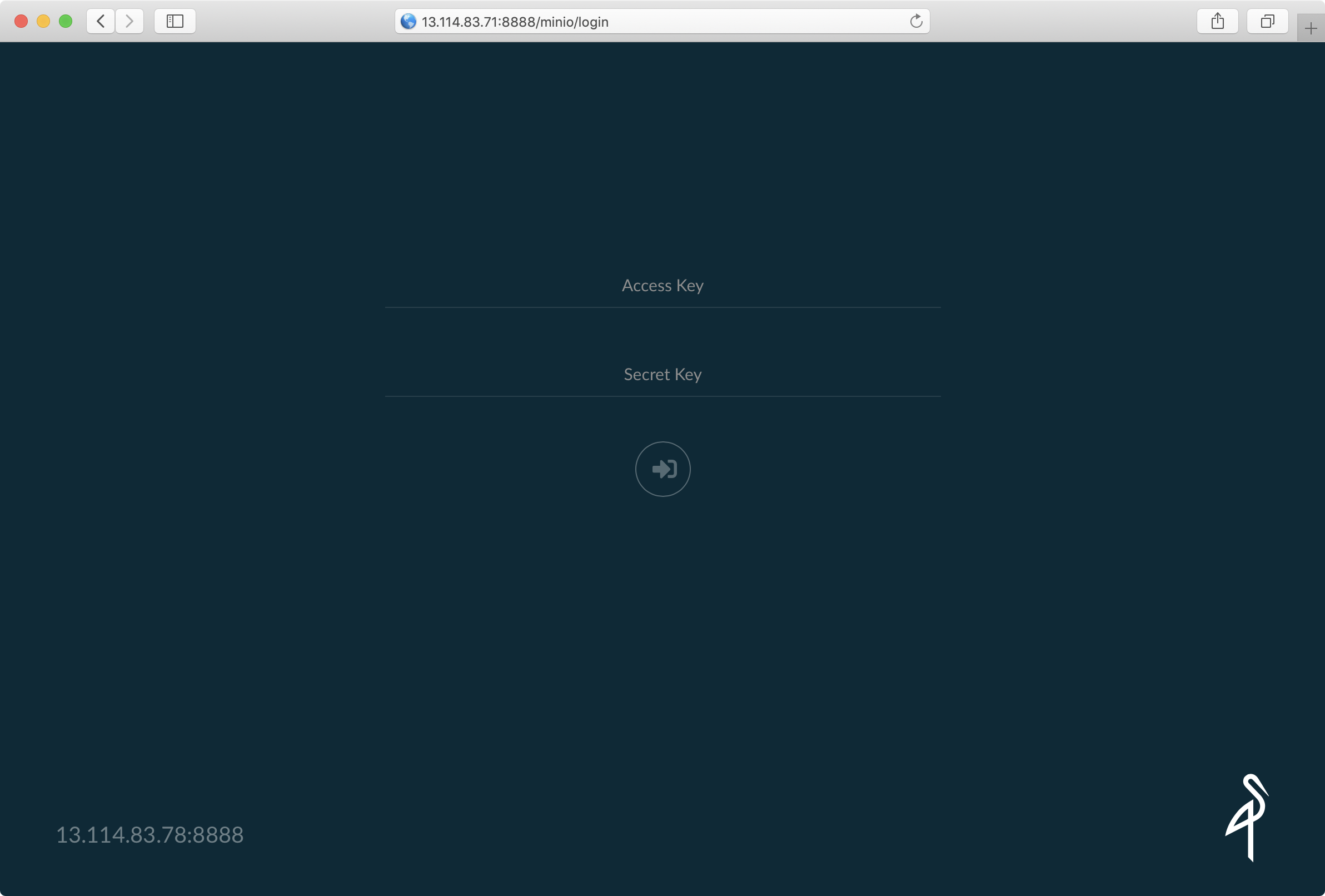
초기화면이다. Access Key, Secret Ket에 4.1에서 확인한 정보를 입력한다.
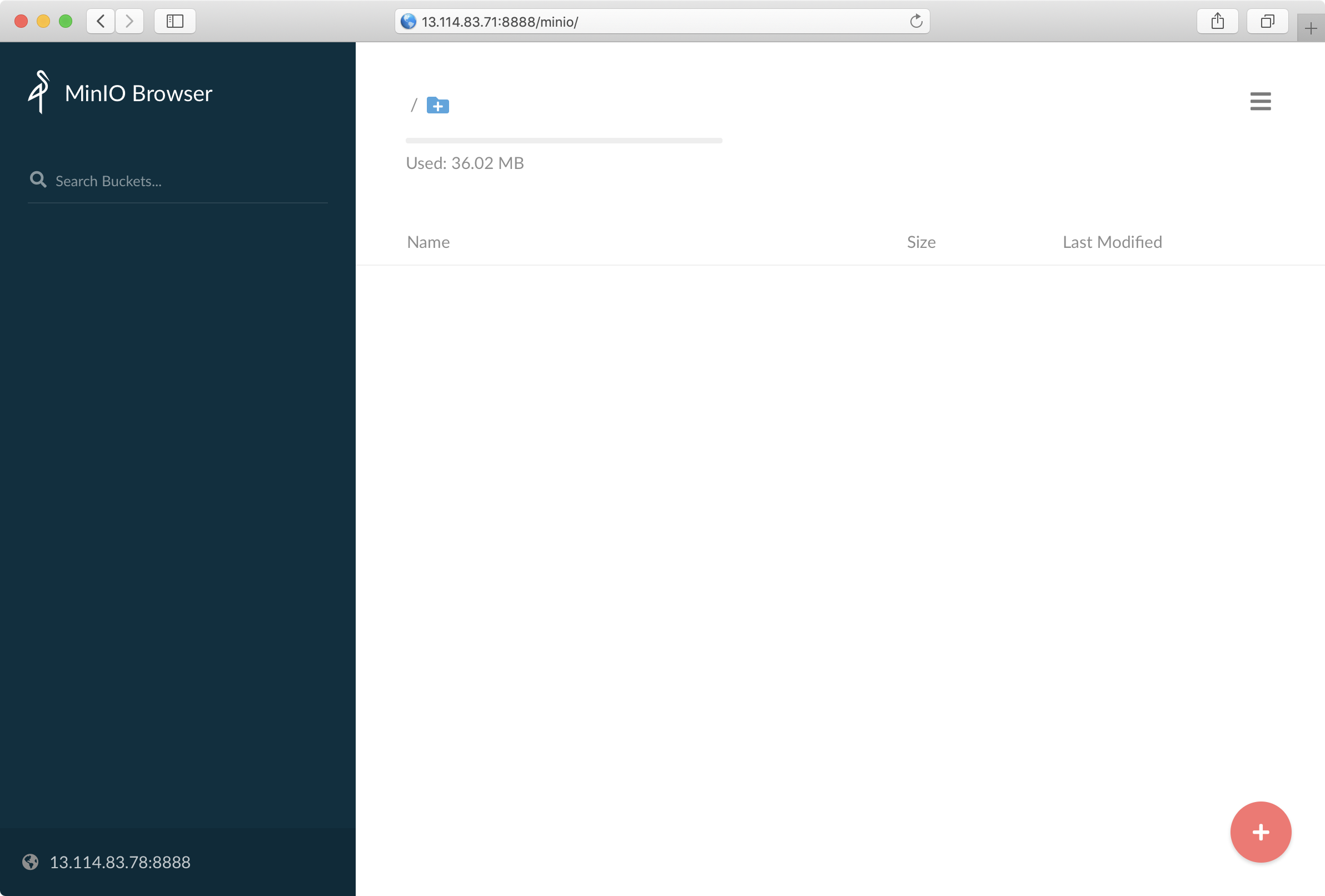
(+)를 누르면 새로운 Bucket을 만들 수 있다.
Bucket을 생성하고 파일을 업로드할 수 있다.