1. 사전조건
fly를 사용할 수 있어야 하고 PATH에 걸려있어야 함.
wget https://github.com/concourse/concourse/releases/download/v5.6.0/fly-5.6.0-linux-amd64.tgz
2. 로그인 설정
2.1. ID/PW 방식
$ fly --target helloworld login --concourse-url http://127.0.0.1:8080 -u test -p test
logging in to team 'main'


target saved
로그인 설정을 하고 나면 홈 디렉토리에 flyrc라는 파일이 생성(혹은 내용 추가)된다.
$ cat ~/.flyrc
targets:
  helloworld:
    api: http://127.0.0.1:8080
    team: main
    token:
      type: Bearer
      value: abcd..
2.2. Token 방식
$ fly -t mytest login -c http://127.0.0.1:8080
logging in to team 'main'

navigate to the following URL in your browser:

  http://127.0.0.1:8080/login?fly_port=43985

or enter token manually:
그리고 위에서 말한대로 http://127.0.0.1:8080/login?fly_port=43985 (IP 주소는 실제 접속 주소로 수정 필요) 에서 Token 값 얻어서 붙여넣으면 2.1과 동일하게 target 생성된다.
or enter token manually: Bearer eyJhbGciOiJSUzI1NiIsImtpZCI6IiIsInR5cCI6IkpXVCJ9.eyJjc3JmIjoiZWMxOGZiOTU0ZmNhZmJhZjY4YjEwYjQ2YTMyYTZlZDQxMGVlNDJkMmNmYmU5M2M1ZTI5ZTMyNzk2NDEyZTU5ZCIsImVtYWlsIjoidGVzdCIsImV4cCI6MTU3MjU3NTQ2NiwiaXNfYWRtaW4iOnRydWUsIm5hbWUiOiIiLCJzdWIiOiJDZ1IwWlhOMEVnVnNiMk5oYkEiLCJ0ZWFtcyI6eyJtYWluIjpbIm93bmVyIl19LCJ1c2VyX2lkIjoidGVzdCIsInVzZXJfbmFtZSI6InRlc3QifQ.EhDOe7CYo5rU_tRpnxDvipDr3QsBEKbiqv_phvCcwvb8XYEIbFWY6Dfj19X1kf3fezp-Lz1Y-OtW9Ang9x7PhAMhFd3ZJf5NbVQolezGU9Kl87OqbprmXyxs1bra5vEtO0djpzQDKynBmYejxh3EpCgrtLgDncwMoPPvRIdYwgLG681n1nKL9H_tiI_f9Qc43r6TcHoMXurIG2dnhmH4umamOpBqS3LImWeamuumR3676jSHuwFyY_V1g_Ho4U0fZww1ql3qAeReXeT-i4b1EFQT0iSxuRw3qJkGsUeVpDdd-SsZQiXSz_pH6K-sVcS9_T8QuESjV56q13LTsW_6zQ

target saved
3. Task 실행
두가지 종류의 Task를 만들어보려고 한다.
- hello world를 찍는 Task
- ps -ef 결과를 보여주는 Task
3.1. Hello World
다음 파일을 task-hello-world.yml 이라고 하자.
---
platform: linux

image_resource:
  type: docker-image
  source: {repository: busybox}

run:
  path: echo
  args: [hello world]
Task를 실행한다.
$ fly -t helloworld execute -c task-hello-world.yml
uploading helloworld done
executing build 1 at http://127.0.0.1:8080/builds/1
initializing
waiting for docker to come up...
Pulling busybox@sha256:dd97a3fe6d721c5cf03abac0f50e2848dc583f7c4e41bf39102ceb42edfd1808...
sha256:dd97a3fe6d721c5cf03abac0f50e2848dc583f7c4e41bf39102ceb42edfd1808: Pulling from library/busybox
7c9d20b9b6cd: Pulling fs layer
7c9d20b9b6cd: Download complete
7c9d20b9b6cd: Pull complete
Digest: sha256:dd97a3fe6d721c5cf03abac0f50e2848dc583f7c4e41bf39102ceb42edfd1808
Status: Downloaded newer image for busybox@sha256:dd97a3fe6d721c5cf03abac0f50e2848dc583f7c4e41bf39102ceb42edfd1808

Successfully pulled busybox@sha256:dd97a3fe6d721c5cf03abac0f50e2848dc583f7c4e41bf39102ceb42edfd1808.

running echo hello world
hello world
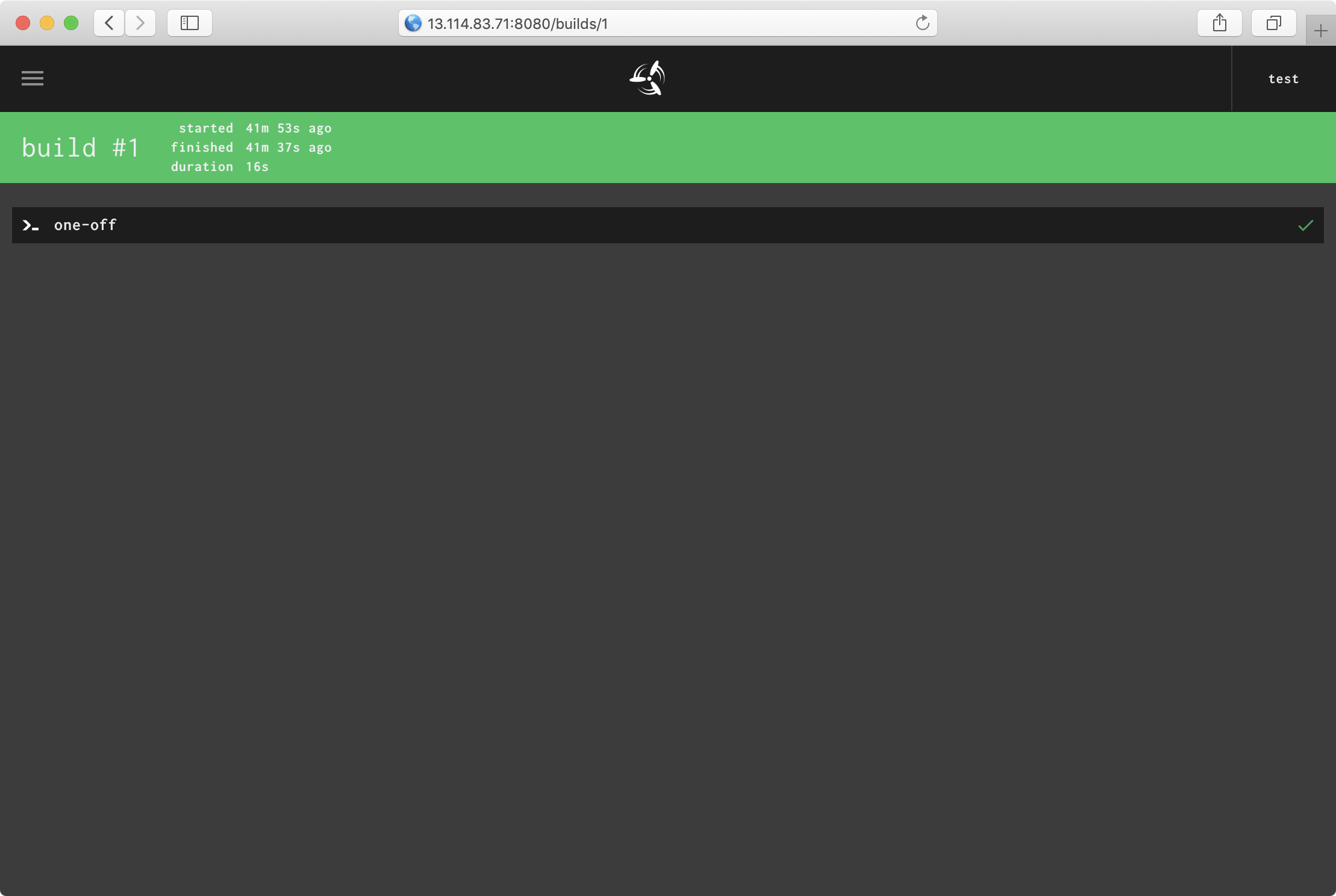
Concourse 화면의 /builds/1로도 확인 가능하다.
3.2. ps -ef Task
다음은 task-ps-ef.yml 이다.
$ cat task-ps-ef.yml
---
platform: linux

image_resource:
  type: docker-image
  source: {repository: ubuntu}

run:
  path: ps
  args: [-ef]
Task를 실행한다.
$ fly -t helloworld execute -c task-ps-ef.yml
uploading helloworld done
executing build 3 at http://127.0.0.1:8080/builds/3
initializing
running ps -ef
UID        PID  PPID  C STIME TTY          TIME CMD
root         1     0  0 07:31 ?        00:00:00 /tmp/garden-init
root         6     0  0 07:31 pts/0    00:00:00 ps -ef
succeeded
4. Jobs (Input/Output)
4.1. Helloworld
helloworld.yml
---
jobs:
  - name: test
    plan:
      - task: simple-task
        params:
          message: Hello World
        config:
          platform: linux
          params:
            message:
          image_resource:
            type: registry-image
            source: {repository: busybox}
          run:
            path: sh
            args:
              - "-c"
              - |
                echo $message
Pipeline을 생성한다.
$ fly -t mytest set-pipeline -p helloworld -c ./helloworld.yml
jobs:
  job test has been added:
+ name: test
+ plan:
+ - config:
+     container_limits: {}
+     image_resource:
+       source:
+         repository: busybox
+       type: registry-image
+     params:
+       message: ""
+     platform: linux
+     run:
+       args:
+       - -c
+       - |
+         echo $message
+       path: sh
+   params:
+     message: Hello World
+   task: simple-task

apply configuration? [yN]: y
pipeline created!
you can view your pipeline here: http://127.0.0.1:8080/teams/main/pipelines/helloworld

the pipeline is currently paused. to unpause, either:
  - run the unpause-pipeline command:
    fly -t mytest unpause-pipeline -p helloworld
  - click play next to the pipeline in the web ui
실행결과다.
preparing build
checking pipeline is not paused
checking job is not paused
waiting for a suitable set of input versions
checking max-in-flight is not reached
simple-task
fetching busybox@sha256:679b1c1058c1f2dc59a3ee70eed986a88811c0205c8ceea57cec5f22d2c3fbb1
0f8c40e1270f [======================================] 743.2KiB/743.2KiB
Hello World
4.2. create-and-consume
파일을 보내는 실습이다.
다음 파일을 jobs-create-and-consume.yml 이라고 하자.
---
jobs:
  - name: create-and-consume
    public: true
    plan:
      - task: make-a-file
        config:
          platform: linux
          image_resource:
            type: registry-image
            source: { repository: busybox }
          run:
            path: sh
            args:
              - -exc
              - ls -la; echo "Created a file on $(date)" > ./files/created_file
          outputs:
            - name: files
      - task: consume-the-file
        config:
          platform: linux
          image_resource:
            type: registry-image
            source: { repository: busybox }
          inputs:
            - name: files
          run:
            path: cat
            args:
              - ./files/created_file
fly 명령어를 실행한다. 앞 실습과 달리 set-pipeline을 사용한다.
$ fly -t helloworld set-pipeline -c jobs-create-and-consume.yml -p create-and-consume
jobs:
  job create-and-consume has been added:
+ name: create-and-consume
+ plan:
+ - config:
+     container_limits: {}
+     image_resource:
+       source:
+         repository: busybox
+       type: registry-image
+     outputs:
+     - name: files
+     platform: linux
+     run:
+       args:
+       - -exc
+       - ls -la; echo "Created a file on $(date)" > ./files/created_file
+       path: sh
+   task: make-a-file
+ - config:
+     container_limits: {}
+     image_resource:
+       source:
+         repository: busybox
+       type: registry-image
+     inputs:
+     - name: files
+     platform: linux
+     run:
+       args:
+       - ./files/created_file
+       path: cat
+   task: consume-the-file
+ public: true

apply configuration? [yN]: y
pipeline created!
you can view your pipeline here: http://127.0.0.1:8080/teams/main/pipelines/create-and-consume

the pipeline is currently paused. to unpause, either:
  - run the unpause-pipeline command:
    fly -t helloworld unpause-pipeline -p create-and-consume
  - click play next to the pipeline in the web ui
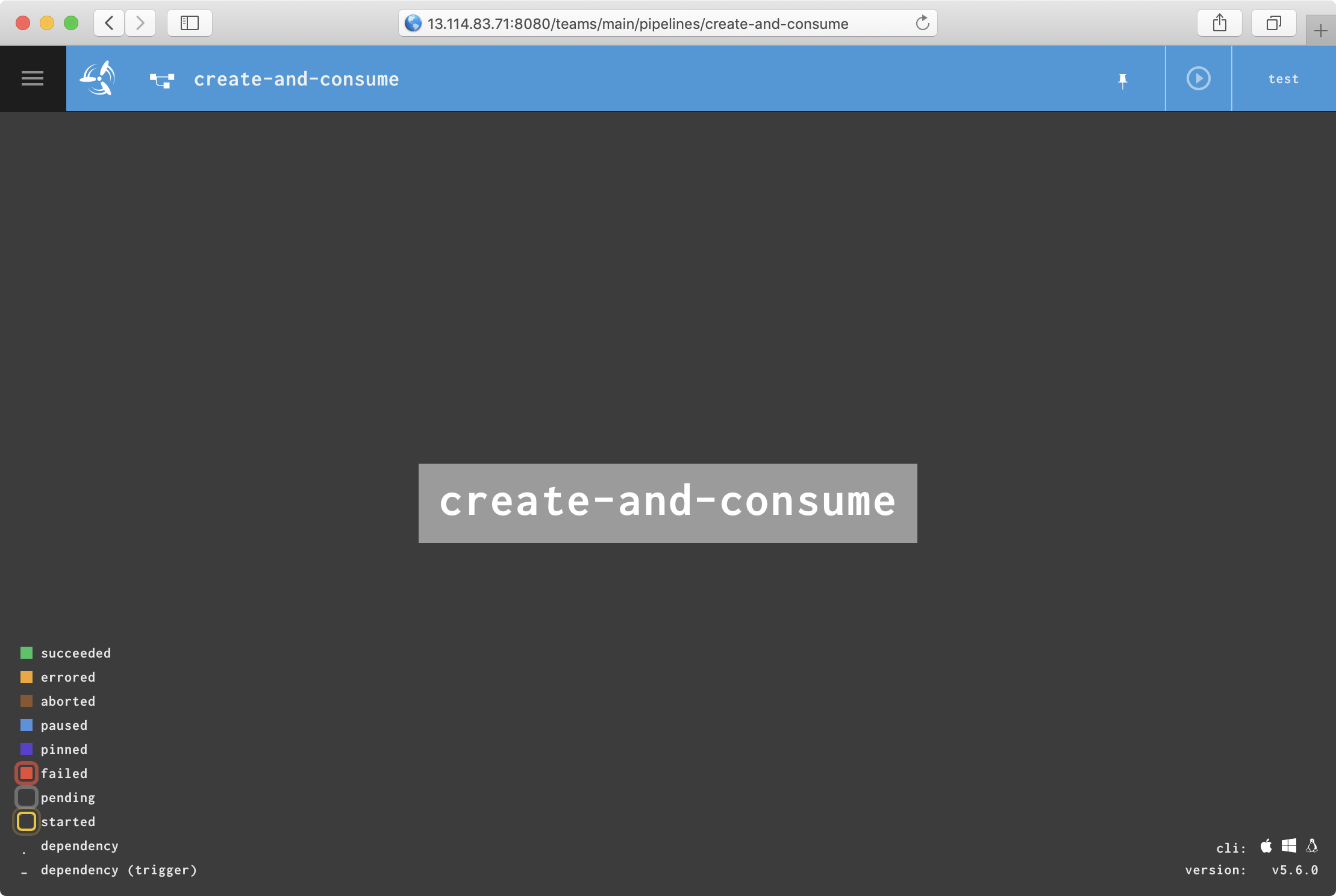
위에서 알려준대로 Concourse UI에 들어가보자.
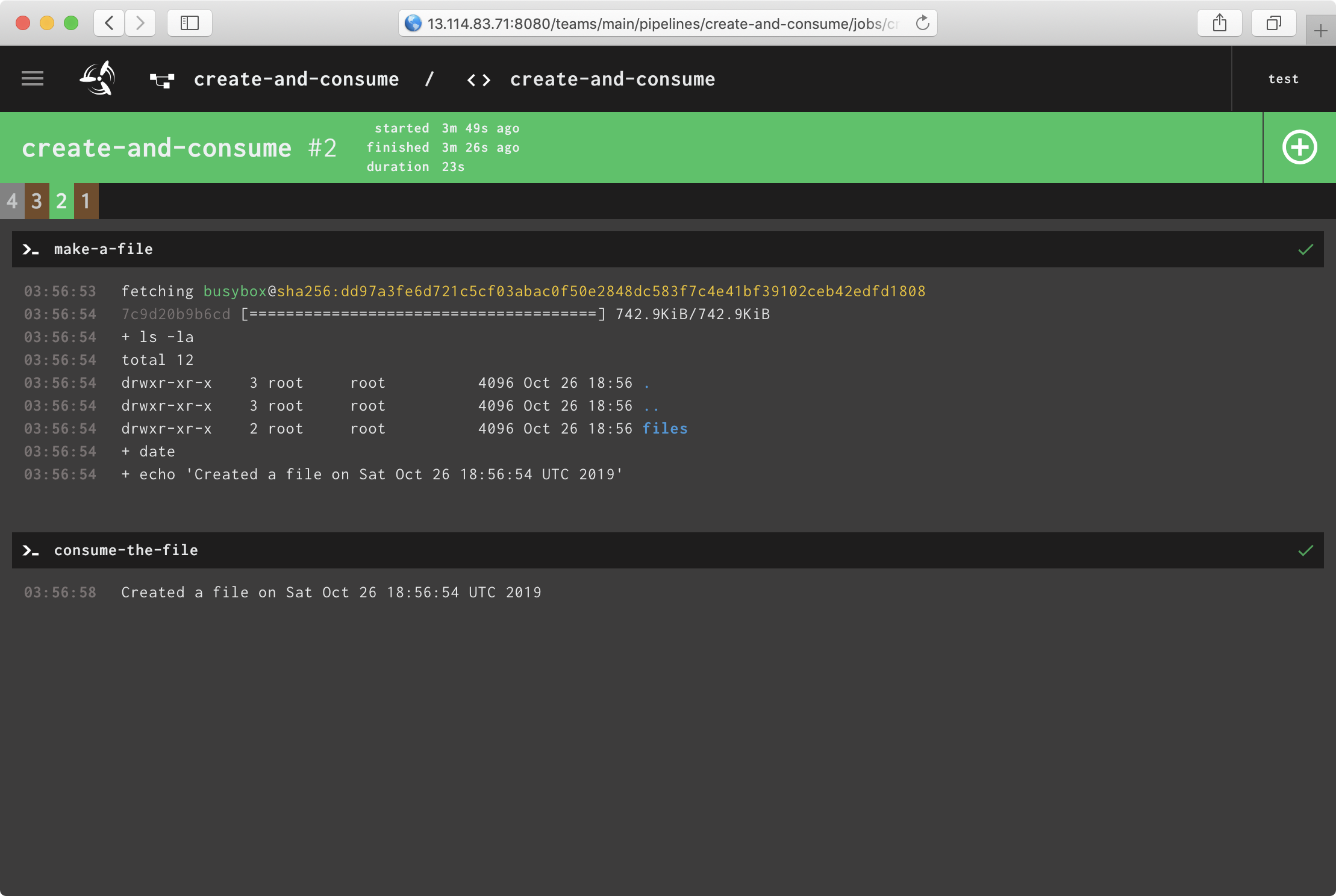
그리고 다음과 같이 실행되었다.
4.3. ps-ef-input
ps -ef 정보를 보내는 실습이다.
다음 파일을 jobs-ps-ef-input.yml 이라고 하자.
---
jobs:
  - name: ps-ef-input
    public: true
    plan:
      - task: make-a-file
        config:
          platform: linux
          image_resource:
            type: registry-image
            source: { repository: ubuntu }
          run:
            path: sh
            args:
              - -exc
              - ps -ef > ./files/result_ps_ef_input
          outputs:
            - name: files
      - task: consume-the-file
        config:
          platform: linux
          image_resource:
            type: registry-image
            source: { repository: ubuntu }
          inputs:
            - name: files
          run:
            path: cat
            args:
              - ./files/result_ps_ef_input
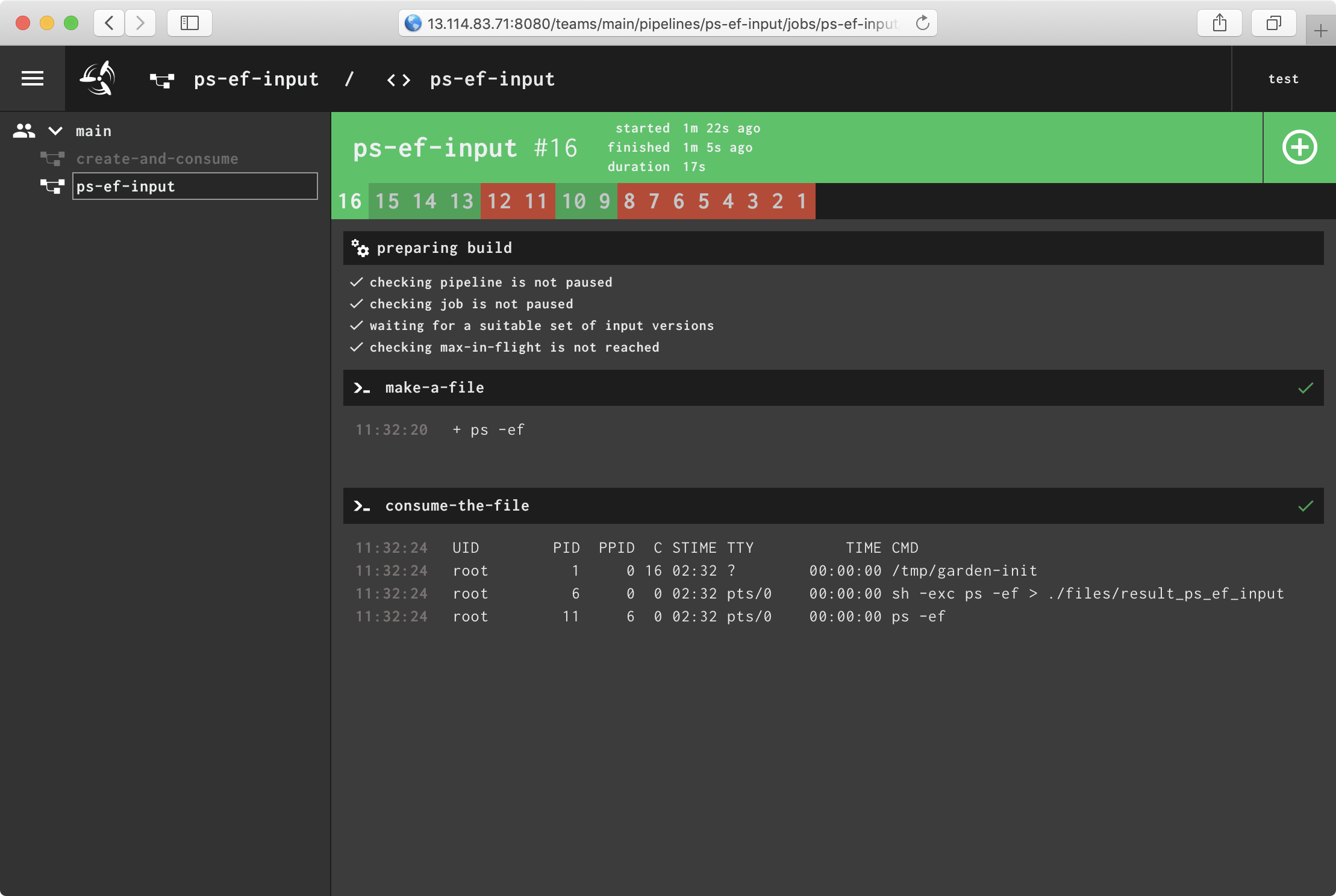
fly -t helloworld set-pipeline -c jobs-ps-ef-input.yml -p ps-ef-input 을 실행하여 파이프라인을 생성한다.